
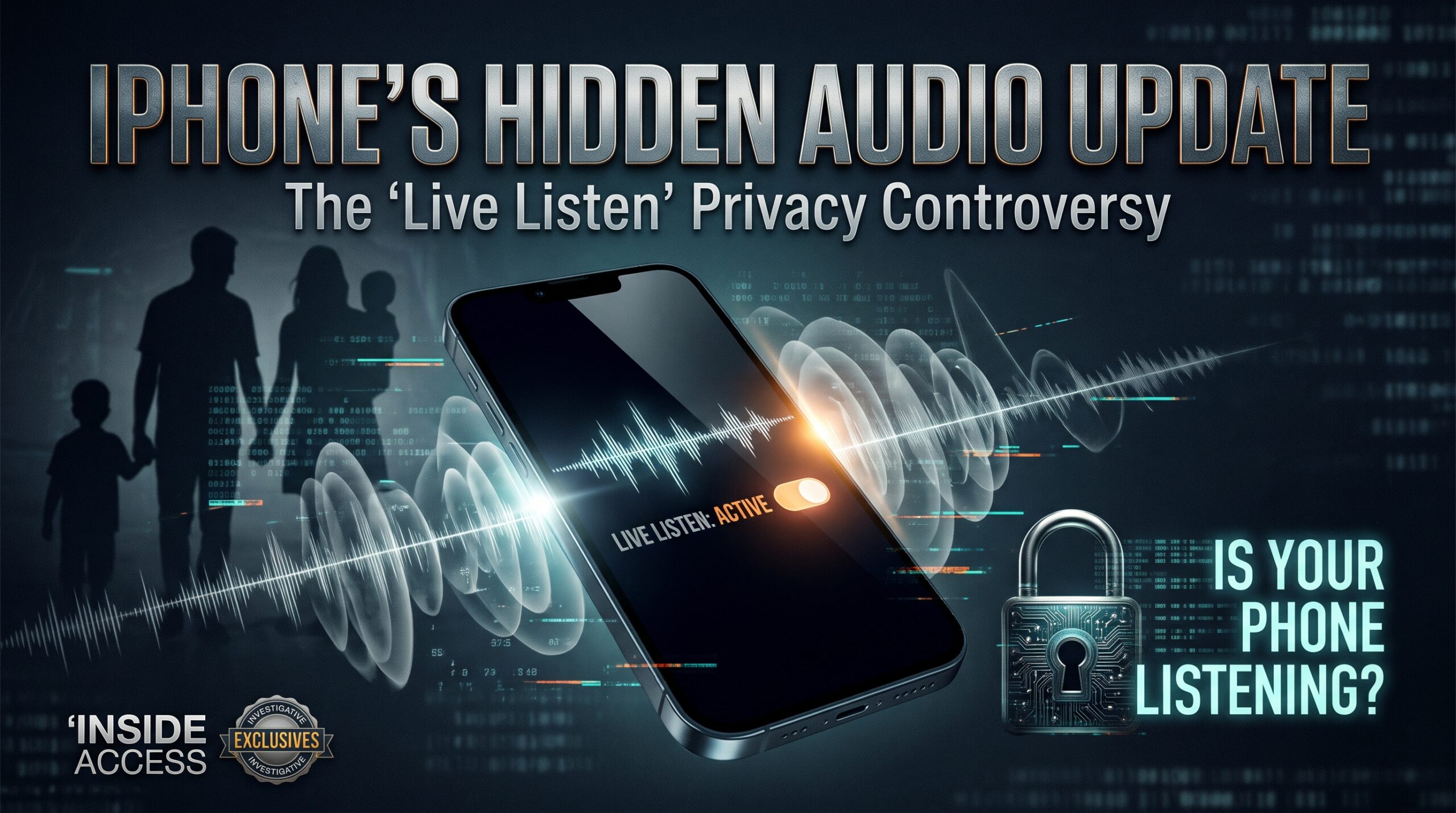
A recent iPhone update has quietly activated an audio feature called “Live Listen,” raising immediate privacy alarms among users who were completely unaware the setting had been enabled on their devices. The automatic activation has sparked a debate between tech experts praising its utility and users—particularly parents—who are unsettled by the lack of initial consent.
The Core Concern: Transparency and Consent
For many users, the primary frustration stems from the feature being turned on by default without an explicit opt-in. Parents have expressed discomfort over the idea of their phones actively listening to and processing household conversations without their prior knowledge. Many argue that Apple should have provided clear notification prior to purchase or during the update process, allowing users to take precautions or disable the feature from the start.
The Expert Perspective: Accessibility and Convenience
Despite the backlash, tech experts point out that the technology offers significant practical benefits. Live Listen can help users capture and transcribe important conversations in fast-paced environments where critical information might otherwise be missed. For example, a patient receiving a rapid stream of instructions during a brief 60-second doctor’s visit can rely on the feature to transcribe the conversation for later review.
From a technical privacy standpoint, experts note that the audio-to-text processing occurs entirely locally on the device. Because the data is processed on the phone itself, the transcribed information theoretically never leaves the user’s personal ecosystem.
Lingering Fears and Transcription Risks
However, local processing has not fully eased consumer fears. Skeptics worry about potential future changes to Apple’s terms and conditions, raising hypothetical concerns that the company could eventually access or sell conversation data to advertisers. Additionally, there are ethical concerns regarding recording individuals without their explicit knowledge.
Beyond privacy, experts warn about the technology’s reliability. Users are entirely dependent on the phone’s ability to accurately transcribe the audio signal. Because a single missed or misinterpreted word can completely alter the meaning of a conversation, relying on these transcripts for crucial information carries inherent risks.
How to Turn Off Live Listen
For users who are uncomfortable with the feature, disabling it requires navigating the device’s settings.
To shut off Live Listen:
- Open the iPhone Settings app.
- Type “live listen” into the search bar.
- Switch off the remote setting.
For those who find the manual settings adjustment confusing, some users are opting to take their devices directly to an Apple Store for assistance in disabling the feature.
Leave a Reply