
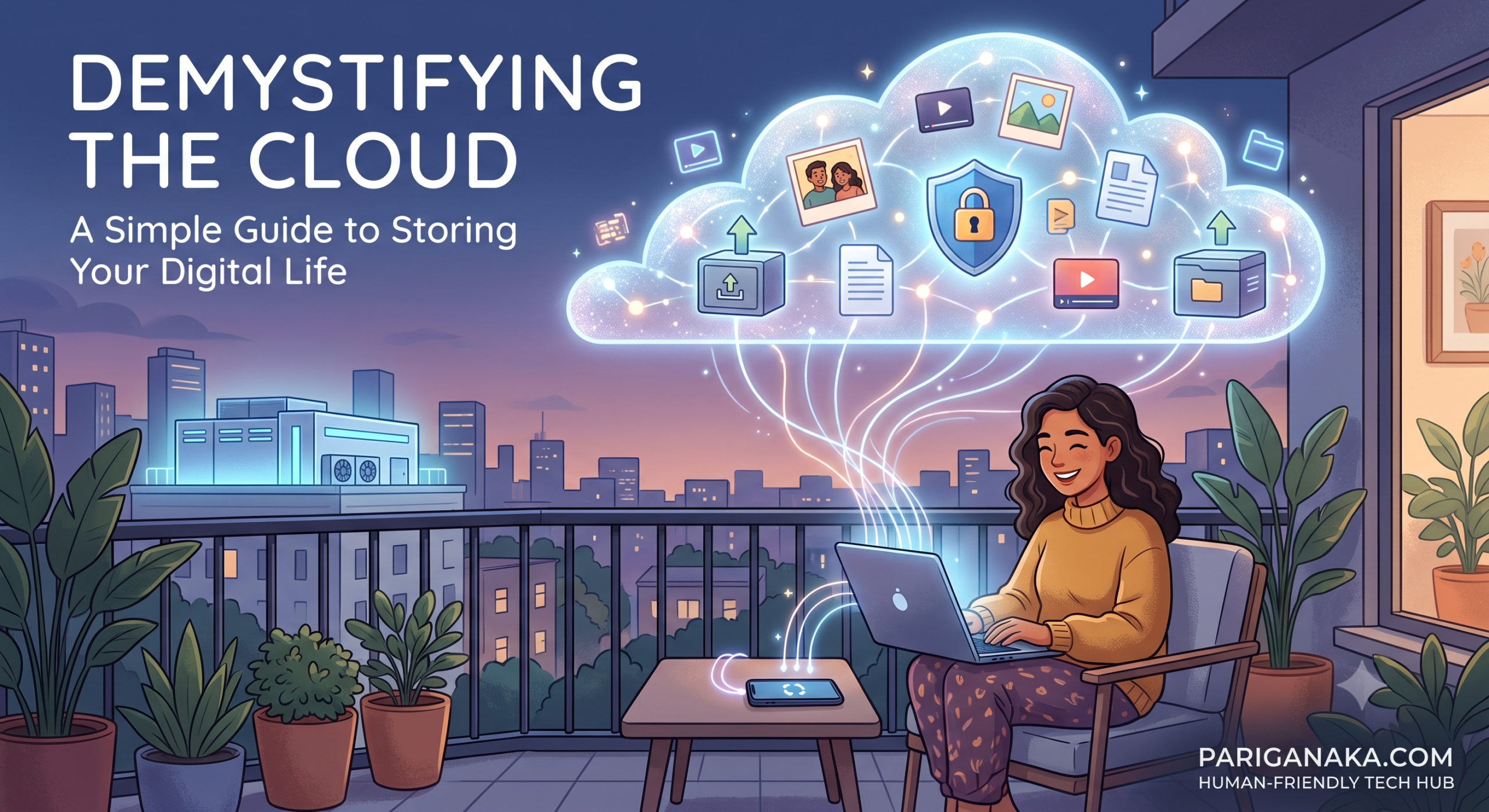
We hear the term constantly: “Save it to the cloud,” “It’s backed up in the cloud,” or “The cloud is full.” But if you have ever found yourself looking up at the sky and wondering how your family photos are floating around up there, you are definitely not alone.
Technology is full of confusing jargon, but here at Pariganaka.com, the human-friendly tech hub, we believe in breaking things down into plain language. The “cloud” is one of the most useful tools available to us today, and once you understand how it works, it can save you a lot of digital headaches. Let’s bring the cloud down to earth.
What Exactly is “The Cloud”?
Despite the fluffy, mysterious name, the cloud is not in the sky. Simply put, the cloud is just a massive collection of highly secure, incredibly powerful computers (called servers) owned by large companies like Google, Apple, or Microsoft.
When you save a photo, document, or video to “the cloud,” you are simply sending a copy of that file over the internet to be stored safely on one of those massive computers instead of keeping it solely on your physical phone or laptop.
Think of it like renting a highly secure storage unit for your digital belongings. You don’t own the building, but you have the only key to your specific unit, and you can go grab your things whenever you need them.
3 Major Benefits of Cloud Storage
Why should you trust your files to servers located miles away rather than just keeping them on your own device? Here is why making the switch is worth it:
- Ultimate Disaster Recovery: If your phone falls into a swimming pool or your laptop’s hard drive crashes, any photos or documents saved only on those devices are likely gone forever. If those files are synced to the cloud, you can simply log into your account on a new device, and everything will be exactly where you left it.
- Freeing Up Device Space: We have all seen the dreaded “Storage Full” notification right as we are trying to take a video. Cloud services allow you to offload older photos and files, freeing up space on your actual device while still letting you view them anytime you have an internet connection.
- Access Anywhere, Anytime: Because your files are stored on the internet, you can access them from any device. You can start typing a document on your laptop at home and finish it on your phone while riding the bus.
Popular Cloud Services You Might Already Have
Chances are, you already have access to cloud storage without even realizing it. Most modern devices come with a small amount of free cloud space built-in:
| Service Name | Best For | Included With |
| Google Drive / Google Photos | Android users and anyone with a Gmail account. Great for document sharing and photo backup. | Free with any Google Account (15GB shared across services). |
| iCloud | Apple users. Seamlessly backs up everything on your iPhone, iPad, or Mac. | Free with any Apple ID (5GB). |
| Microsoft OneDrive | Windows PC users and those who heavily use Word, Excel, or PowerPoint. | Free with a Microsoft Account (5GB). |
How to Keep Your Digital Storage Unit Safe
The companies that manage these servers spend billions of dollars on physical and digital security. In fact, a reputable cloud server is generally much safer from hackers than your personal home Wi-Fi network. However, your data is only as secure as your login information.
To keep your digital storage unit safe, you only need to take two simple steps:
- Use a strong, unique password that you do not use for any other website.
- Enable Two-Factor Authentication (2FA). This requires a secondary code (usually sent via text message or a generator app) in addition to your password when logging in from a new device.
By embracing the cloud, you are not just adopting a new piece of technology; you are buying peace of mind. Your digital memories and important documents deserve to be protected against life’s unpredictable accidents.
Leave a Reply