
By Pariganaka.com | The Human-Friendly Tech Hub Published: July 28, 2026
Let’s face a hard truth: buying a brand-new smartphone in 2026 is a massive investment. Because of high prices, the second-hand market in Sri Lanka is booming. Buying a used phone on platforms like Ikman or Facebook Marketplace is a fantastic way to save money, but it comes with a lot of anxiety.
“What if the battery is dead? What if the screen is fake? What if it’s stolen?”
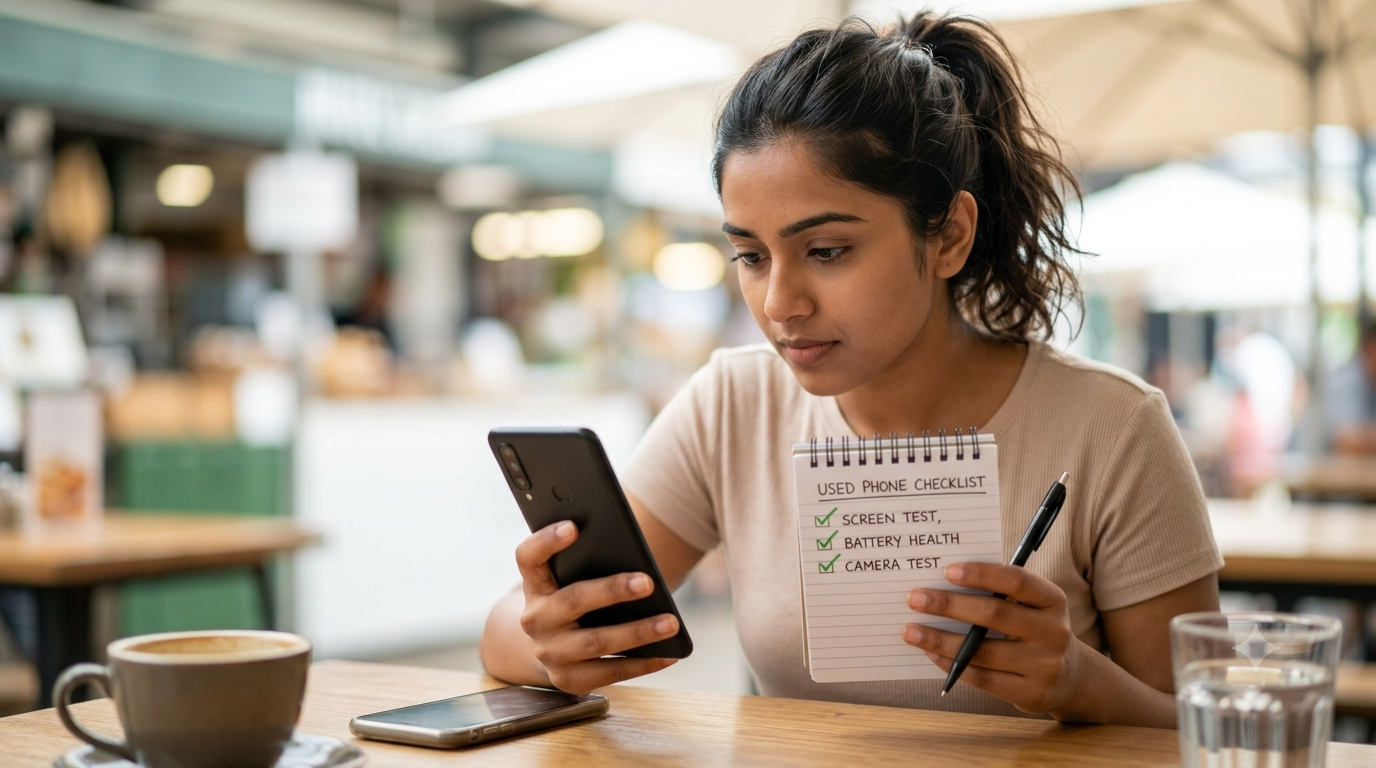
Here at Pariganaka.com, we want you to keep your hard-earned money safe. You don’t need to be a mobile repair technician to spot a bad deal. If you are meeting a seller to buy a used phone, take exactly five minutes to do this “Human-Friendly” checklist before you hand over your cash.
1. The “Floating App” Screen Test
Sellers will often replace a broken original screen with a cheap, low-quality fake before selling the phone. These fake screens often have “dead zones” where the touch doesn’t work.
- The Human-Friendly Fix: You don’t need special software to test this. Go to the home screen, press and hold any app icon until it wiggles (so you can move it). Now, slowly drag that app icon across every single inch of the screen—up, down, left, right, and into all four corners. If the app suddenly drops from your finger in a specific area, that part of the screen is dead. Do not buy the phone.
2. The Battery Health Reality Check
A phone that looks brand new on the outside is useless if it dies after two hours.
- The Human-Friendly Fix: * For iPhones: Go to Settings > Battery > Battery Health. If the “Maximum Capacity” is below 80%, the battery is chemically depleted. You will need to spend money to replace it soon, so negotiate a lower price.
- For Androids: Look at the physical shape of the phone. Is the back cover slightly bulging or popping open? Is the screen lifting slightly at the edges? That is a swollen, dangerous battery. Walk away immediately.
3. The 10-Second Video Test
People often remember to take a picture to test the camera, but they forget the most important parts: the microphones and the focus.
- The Human-Friendly Fix: Open the camera and switch to Video mode. Start recording and say out loud, “Testing the microphone, one, two, three.” While recording, tap on a close object to see if it focuses, then tap on something far away. Stop the video and play it back at full volume. This single 10-second test checks the main camera, the autofocus lens, the microphone, and the loudspeaker all at once!
4. The “Factory Reset” Trap
This is the most crucial step. Sometimes, people sell stolen phones, or phones they forgot the main password for. If a phone is tied to someone else’s iCloud (Apple) or Google Account (Android), it is basically a highly expensive paperweight. You will not be able to use it.
- The Human-Friendly Fix: Never accept a phone that is already on the home screen if the seller says “I already reset it for you.” Ask the seller to do a Factory Reset in front of you. Once it reboots to the “Hello” or “Welcome” setup screen, insert your own SIM card and try to set it up. If it asks for the previous owner’s email or Apple ID password, give the phone back.
The Bottom Line
Don’t let a seller rush you. A legitimate, honest seller will gladly wait five minutes while you do these simple checks. By taking control of the buying process, you can get a fantastic device at a fraction of the cost, completely stress-free.
Stay Smart. Stay Updated. For more simple, everyday tech advice, follow us on Instagram, TikTok, and YouTube: @PariganakaDaily
Leave a Reply